Guides
Every profile,set up properly.
Ten guides: nine accounts and one table of sizes. Each is a short list of steps in order, the limits you will be asked for and an honest word on what FABLS does there.

Pick a platform
Ten guides.
Start where you are.
Six of the guides are for platforms FABLS connects. YouTube, Threads and Google Business Profile are not, and their guides say so.
- Facebook PageA Page made from a personal profile, with a picture, a cover, an action button and its first posts. Read the guide: How to set up a Facebook Page
- InstagramA professional account, linked to the business's Facebook Page, with its button, highlights and first posts. Read the guide: How to set up an Instagram professional account
- TikTokA Business account with a bio, a website link and a pinned first video. Read the guide: How to set up a TikTok Business account
- XAn account with a complete profile, a header that survives every screen and a pinned first post. Read the guide: How to set up an X account
- LinkedInA company Page from your own profile, and what FABLS connects instead: a personal profile. Read the guide: How to set up a LinkedIn Page
- PinterestA business account with its website claimed, its boards made and its first Pins saved. Read the guide: How to set up a Pinterest Business account
- ThreadsA profile made from the business's Instagram account, with a bio, one link and a pinned first post. Read the guide: How to set up a Threads profile
- YouTubeA channel with its handle, picture, banner, description and a first video. Read the guide: How to set up a YouTube channel
- Google Business ProfileThe listing on Google Search and Maps: category, place, verification and the details. Read the guide: How to set up a Google Business Profile
- Sizes 2026Profile picture, cover and post picture sizes, and the character limits, one table per platform. Read the guide: Profile and cover sizes 2026
How a guide is built
Steps, numbers,
and a plain word.
- Steps, in orderA numbered list you can follow with the platform open in another tab.
- The numbers you will be asked forCharacter limits and picture sizes, as the platforms published them in October 2026.
- A plain word on FABLSWhat FABLS does on that platform today, and what it does not.
In the app
The same steps,
inside FABLS.
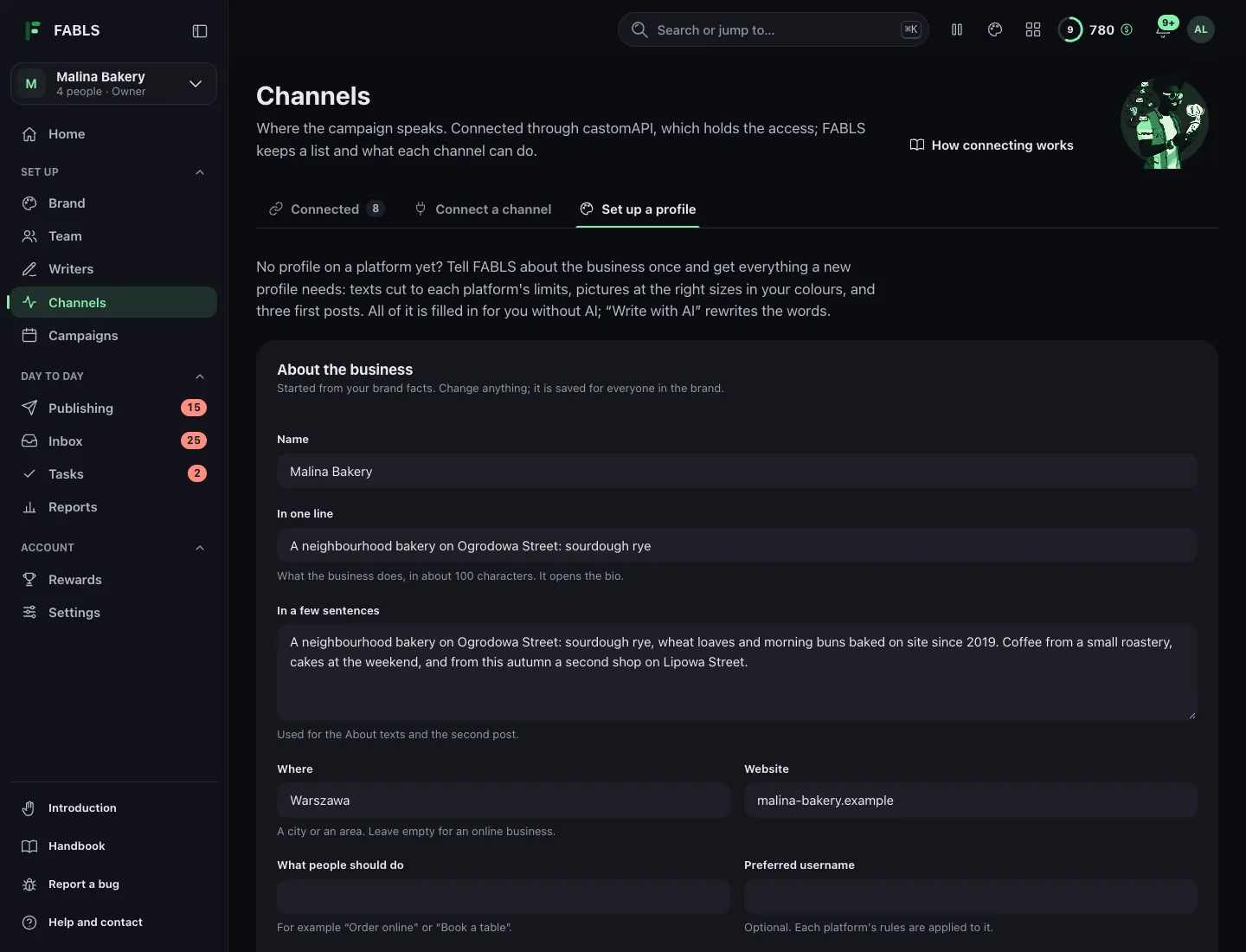
For the platforms FABLS connects, the app has the guide too: open Channels, then Set up a profile. A short form about the business gives every text at the platform's limits, every picture at the right size, one by one or as one ZIP, and three first posts, while a checklist per platform keeps your place.
Not in the app yet? Two free tools on this site do part of the same work: the Bio writer cuts a bio to each platform's limit, and the Size cheat sheet lists the size of every picture. See all the free tools.
Plain about it: the kit fits your own words to each platform's limits and draws the pictures from your colours, logo and name. It invents nothing.
Questions
Quick answers.
Do I need FABLS to follow a guide?
No. Every step is something you do on the platform itself. FABLS's setup guide in the app follows the same steps for every platform it connects.
Which platforms does FABLS connect?
Facebook Pages, Instagram professional accounts, TikTok, X, LinkedIn profiles and Pages, Pinterest, Threads, YouTube, Google Business Profile and WordPress sites.
How current are the numbers?
They are the platforms' published limits as of October 2026. Platforms change them, so the sizes page carries its date.
Set the profile up once.
Then let it run.
Open FABLS, connect the channels you have set up, and the posting, the comments and the counting stop being an evening job.
Open FABLS All guides